Every merged pull request, tested.
In a real browser, with the result on your pull request, Jira and Slack.
Free to tryBitbucket and GitHub
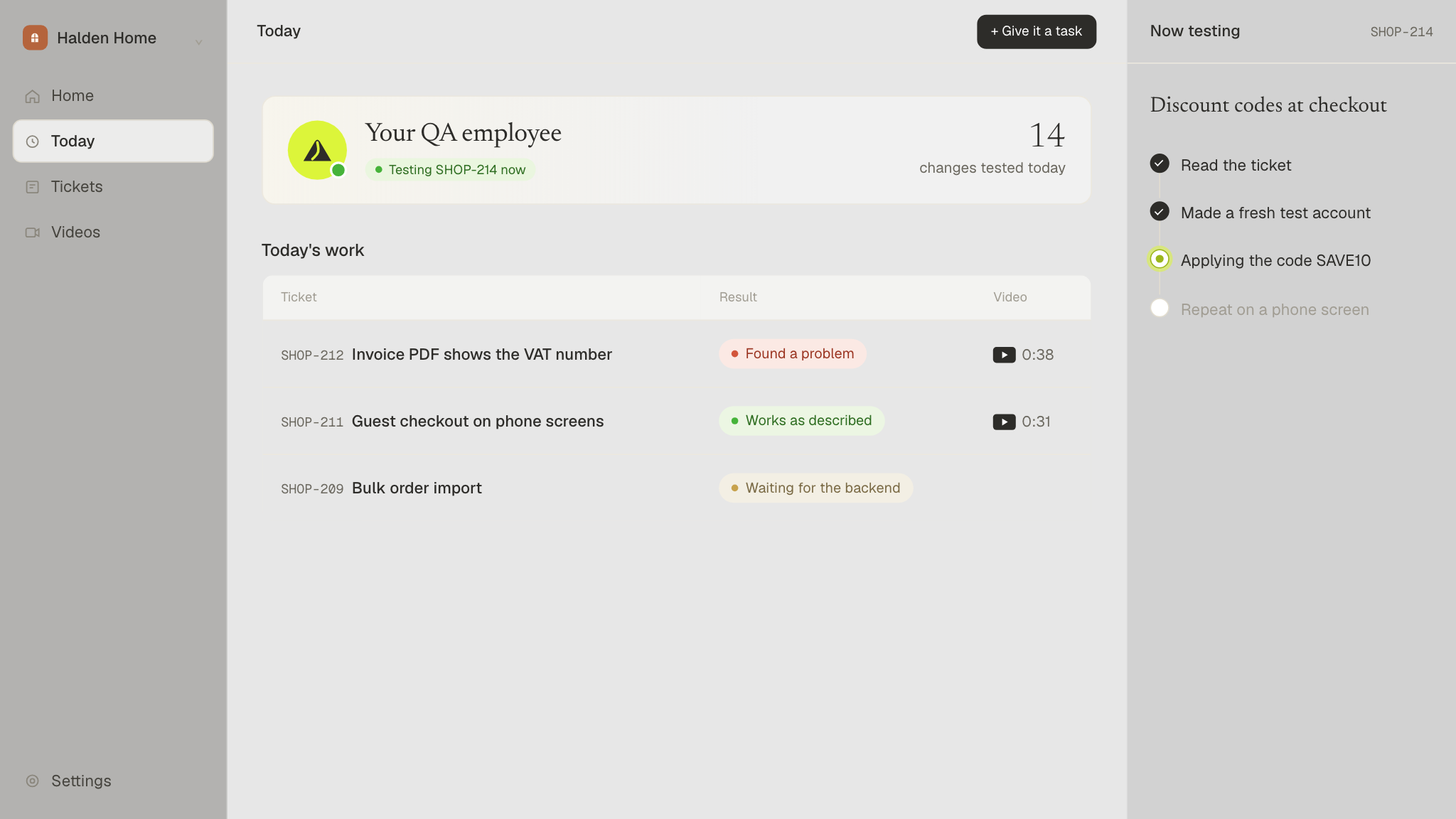
In a real browser, with the result on your pull request, Jira and Slack.
New here? This sets up your account.
Nothing is tested until you switch a repository on.
Only use Jira? Try the free Jira app
By continuing, you agree to the Terms and Privacy Policy.
Switch on the repositories you want GreatQA to test. It tests each pull request in a real browser once it's merged.
Only a workspace admin can switch repositories on or off.
Where GreatQA tests, and how it logs in. It tests your staging or test site, never live customer data.
Let your team sign in with your company's identity provider, like Okta, Microsoft Entra ID or Google Workspace (any provider with OpenID Connect). They join this account as members.
Connect your tickets and your team chat, so GreatQA tests what the ticket asks for and reports where you work.
Best with a bot account (for example [email protected]) that can see the projects GreatQA should test. Create the token at id.atlassian.com, Security, API tokens.
Every pull request and ticket GreatQA tested, newest first.